
Here is the corrected article HTML:
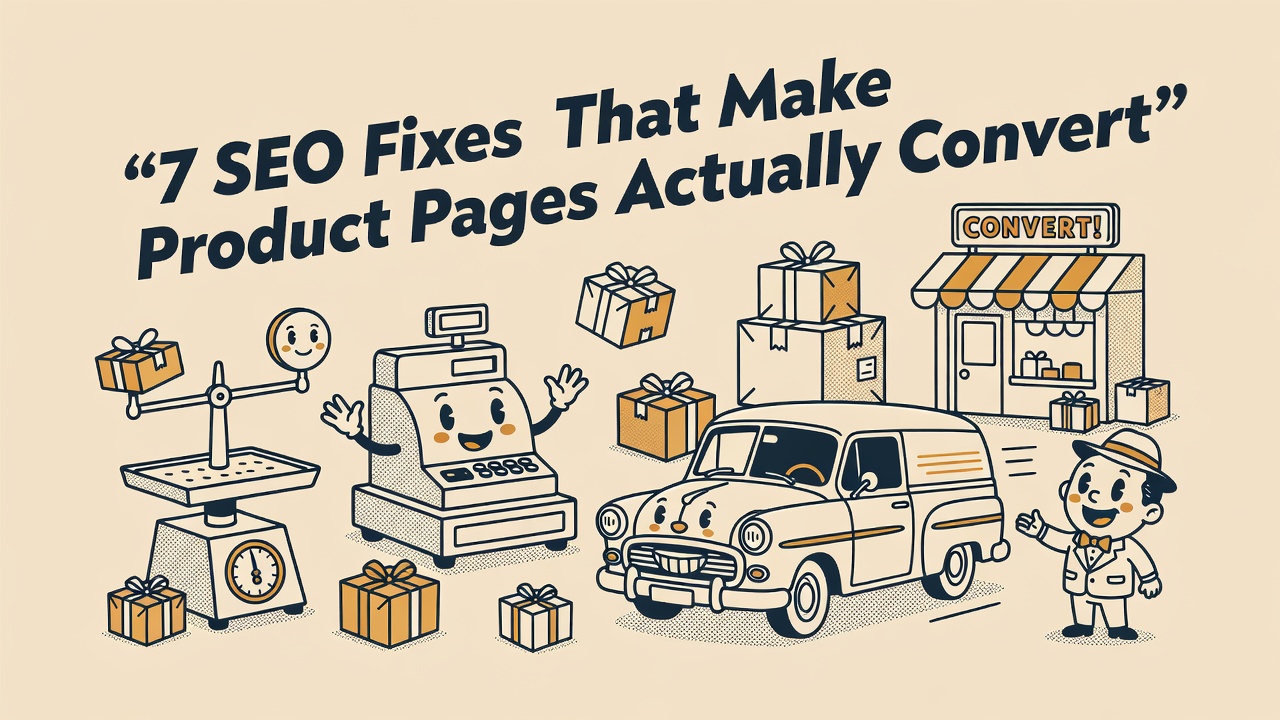
TL;DR: Ecommerce SEO product pages are where your organic revenue is won or lost. Get your product names, descriptions, schema markup, and page speed right and you can rank for thousands of high-intent queries without spending a dollar on ads.
Why Ecommerce SEO Product Pages Are Your Biggest Organic Opportunity
Ecommerce SEO product pages are the single most important on-page real estate in your store. Purchase intent peaks here, and Google sends buyers who’ve already decided what they want. A category page attracts browsers. A product page attracts buyers.
Most stores have hundreds or thousands of product pages, which means hundreds of ranking opportunities for long-tail, high-intent queries. The problem is that the average product page is thin, duplicated, or structured poorly, so Google passes right over it. Stores that dominate organic search treat every product page like a mini landing page with its own keyword strategy, its own unique content, and its own technical setup. Every page that gets this right becomes a permanent source of organic traffic that doesn’t expire when a campaign budget does.
Google’s own ecommerce documentation reinforces this. Their guidance highlights clean site structure, crawlable navigation, and rich product information as the core of product page ranking. Get those fundamentals right and you already have an edge over most of your competitors.
Product Names, URLs, and Title Tags That Anchor Your Ecommerce SEO Product Pages
Product names, URLs, and title tags are the three on-page elements that determine which search queries your product pages can rank for, so getting them wrong is expensive. Your product name is your H1. It should not just say “Blue T-Shirt.” It should say “Men’s Classic Fit Blue Cotton T-Shirt, Sizes S-3XL,” including brand, product type, color, size, material, and any model numbers buyers actually search for.
URLs should be clean, readable, and short. Use lowercase letters, separate words with hyphens, and include the product name. Avoid session IDs, tracking parameters, or five levels of nested folders. A URL like /mens-blue-cotton-t-shirt/ tells users and search engines exactly what the page covers. Add a self-referencing canonical tag on every product page to prevent duplicate content problems when the same item appears in multiple categories or filtered views.
Title tags are your organic ad in the SERPs. Front-load the primary keyword and key product attributes, and keep them under 60 characters. A title like “Men’s Blue Cotton T-Shirt | Free Shipping | BrandName” outperforms anything generic or stuffed. Your meta description should build on the title with a benefit hook that earns the click, not just repeat the title with different words.
Write Product Descriptions That Rank and Convert
Descriptions do two jobs at once: they give search engines enough text to understand the product, and they give buyers enough detail to commit to a purchase without leaving the page. Write for the buyer first. The algorithm takes care of itself.
Open with the core benefit. What does this product actually do for the person buying it? Then move into the features: material, dimensions, compatibility, care instructions, and anything else a buyer would ask before purchasing. Weave in your target keywords naturally, including secondary variations like specific colors, sizes, or use cases. Never copy manufacturer descriptions word for word. If every competitor uses the same boilerplate copy, you have zero differentiation and zero chance of outranking them.
Add a dedicated technical specs section below the main product description. A large share of purchase-ready searches include specific attributes: “14-inch laptop backpack with USB charging port” or “waterproof hiking boots size 12 men.” Detailed specs help you rank for those high-converting long-tail queries and reduce return rates because buyers know exactly what they’re purchasing before checkout.
Pro Tip: Test a 60-second video demo on your top five product pages. Google can index video content and surface it as a rich result. A short walkthrough increases dwell time, cuts return rates, and earns you an extra SERP slot, all without writing a single additional word of copy.
Image SEO and Page Speed
Image quality and page speed are the two technical factors that most directly affect both rankings and revenue on ecommerce product pages. Every product image needs a descriptive filename before you upload it (“mens-blue-cotton-t-shirt-front.jpg,” not “IMG_4523.jpg”) and keyword-rich alt text that describes exactly what is shown. Alt text is not keyword stuffing. It’s accessibility and context for search engines that can’t see your photos.
Compress every image. Use WebP format where your platform supports it. Lazy-load images below the fold and serve your assets through a CDN. These steps directly improve page speed, which Google uses as a ranking signal and which has a measurable impact on conversion rates. Research cited by Google’s web.dev shows that a single-second delay in page load time can reduce conversions by 7 percent or more. An image sitemap submitted in Google Search Console helps Google index your product photos faster, especially when you add new inventory, and including image titles and captions gives Googlebot extra context it can’t get from the page alone.
Mobile optimization is not optional. Google indexes the mobile version of your product pages first, so that is what gets ranked. Keep descriptions short and scannable on small screens. Make your add-to-cart button large and easy to tap. Avoid full-screen pop-ups on mobile page load. Test your pages regularly with Google PageSpeed Insights to catch regressions before they damage your rankings or your conversion rate.
Product Schema Markup for Rich Results
Schema markup is what turns a plain blue link into a rich result showing star ratings, price, and availability directly in the SERPs. Implement Product schema in JSON-LD format on every product page. The core properties to include are name, brand, image, description, and an Offers block with price, currency, availability, and URL. Add AggregateRating when you have customer reviews. Google also supports ShippingDetails and MerchantReturnPolicy within the Offers block, and adding those can put return and shipping information directly in search results before a buyer ever clicks through.
When a product goes out of stock, update your schema right away. Remove the Offer property or set the availability value to “OutOfStock.” Leaving stale pricing and availability data in your schema can generate warnings in Google Search Console and mislead buyers who click through expecting something in stock. On the page itself, label the item clearly as unavailable, offer a back-in-stock notification option, and recommend similar products to keep shoppers on your site.
Validate every page’s schema using Google’s Rich Results Test before any page goes live. The complete list of supported properties lives in the Schema.org Product type reference. The more complete and accurate your structured data, the better Google understands your products and the more likely you are to earn rich results in search.
Internal Linking, UGC, and Breadcrumbs
Internal links and breadcrumbs are how crawl authority reaches your product pages. Without them, even a well-written product page can sit unranked simply because Google can’t find it often enough to trust it. Breadcrumbs (Home > Category > Subcategory > Product) also create contextual links across your catalog and trigger breadcrumb rich results in Google search. Add BreadcrumbList schema to match your visible breadcrumb trail for maximum impact.
Links from category pages, editorial blog posts, and “customers also bought” carousels distribute crawl authority directly to your product pages. If a product page has no internal links pointing to it, Google will struggle to find it and almost never rank it well. Map your highest-priority products to relevant blog content, and make sure every category page links prominently to its top-selling items so authority flows where you need it most.
User-generated content is free, compounding SEO fuel. Customer reviews, Q&A sections, and buyer-submitted photos add fresh, keyword-rich text to your product pages without any effort from your team. Actively send post-purchase review request emails to keep that content flowing. The FTC requires clear disclosure when reviews are incentivized, so make sure your outreach stays compliant. Real reviews build trust, help you rank for the exact language buyers use, and reduce costly returns.
Quick Takeaways
- Write product names as your H1 and include brand, type, color, size, and model details that match real search queries.
- Create unique, benefit-first descriptions with a separate technical specs section to rank for long-tail buyer searches.
- Implement Product schema in JSON-LD on every page and update it the moment a product goes out of stock.
- Optimize images with descriptive filenames and alt text, compress for speed, and test mobile performance on a regular schedule.
- Build internal links from category pages and blog content to push crawl authority to your most important products.
Frequently Asked Questions
- What makes a product page SEO-friendly?
- An SEO-friendly product page includes a keyword-rich product name as the H1, a unique description covering benefits and specifications, optimized images with descriptive alt text, Product schema markup in JSON-LD, a self-referencing canonical tag, and internal links from category pages and related content pointing directly to the page.
- How long should a product description be for SEO?
- There’s no fixed word count, but well-ranking product descriptions typically run between 150 and 300 words for the main body, plus a separate technical specs section. The priority is covering the product’s benefits and attributes completely enough that a buyer has every detail needed to make a purchase decision without leaving the page.
- What is product schema markup and why does it matter?
- Product schema is structured data in JSON-LD format that tells search engines the name, price, availability, brand, and review data for a product. When implemented correctly, it enables rich results in Google search that display star ratings and pricing directly in the SERP, which increases click-through rates significantly compared to plain blue links.
- How should I handle out-of-stock products for SEO?
- Keep the product page live rather than deleting it, but clearly mark the item as out of stock on the page itself. Remove the Offer property from your Product schema or set the availability value to OutOfStock. Add a back-in-stock notification option and link to similar in-stock products to retain traffic and reduce bounce rates.
- How many internal links should point to a product page?
- Every product page should have at least one internal link from its parent category page and one from a breadcrumb trail. High-priority products should also appear in related blog posts and “customers also bought” sections. More internal links from relevant pages signal to search engines that the product is important and worth crawling and ranking prominently.