
TL;DR: The 6 ecommerce automation tasks you should tackle first are the ones eating the most hours with the clearest rules: order processing, abandoned cart emails, inventory sync, customer support triage, shipping labels, and pricing updates. Start with one, prove the time savings, then expand. The wrong order wastes setup time and momentum.
The 6 ecommerce automation tasks above aren’t arbitrary. They share one principle: high-volume, repetitive, rule-based work is where automation pays fastest. The best automation candidates happen often, follow clear rules, and carry real cost when they go wrong. Before you pick any tool, know which task earns your attention first.
How to Pick Your First Automation (The Right Way)
Audit your repetitive tasks for one week before choosing any tool. Log every recurring action, how long it takes, how often it happens, and what a mistake costs you. Most sellers chase the flashiest tool rather than the highest-pain task, and that wastes both time and money.
Score each task on four factors: frequency, labor hours consumed, rule clarity, and error cost. A task you do 40 times a day with zero judgment involved beats one you handle twice a week, even if the weekly task feels more painful in the moment. Saved time only matters if you can put it somewhere that moves revenue.
The goal isn’t broad automation. It’s one well-chosen workflow that runs reliably, builds your confidence with the tooling, and frees enough hours to prove the model. Then you layer in the next one. According to AF Commerce’s ecommerce automation guide, sellers who automate in a focused sequence see faster ROI than those who try to automate everything at once.
The 6 Store Tasks You Should Automate First
Here is the ordered list, ranked by where most small stores get the most return fastest. Your specific numbers may shift the order slightly, but for most stores selling physical products, this sequence holds.
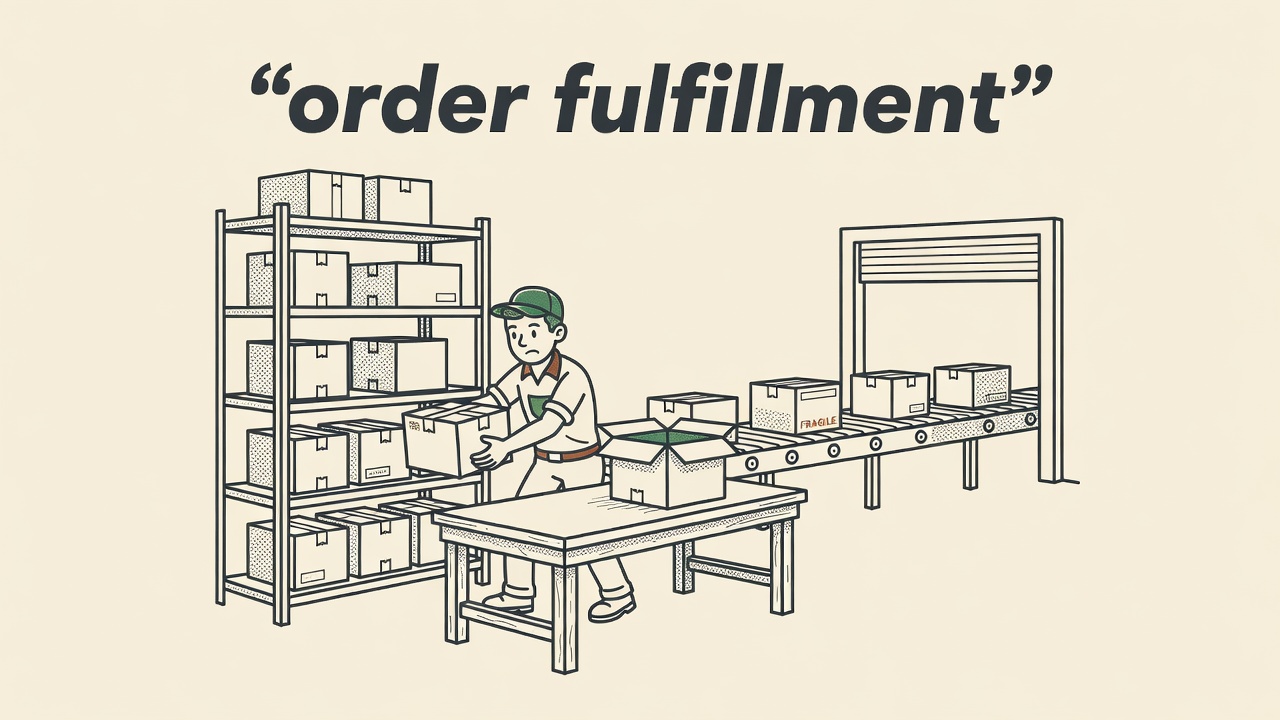
1. Order processing
This is the single most recommended first automation across every source reviewed. AF Commerce and Intuz both flag it as the top early workflow to automate. Every order triggers the same chain: confirm payment, create the record, send the customer a confirmation, pass details to fulfillment. Manual handling at volume compounds errors fast. An order management or fulfillment automation handles the chain in seconds, every time, without fatigue.
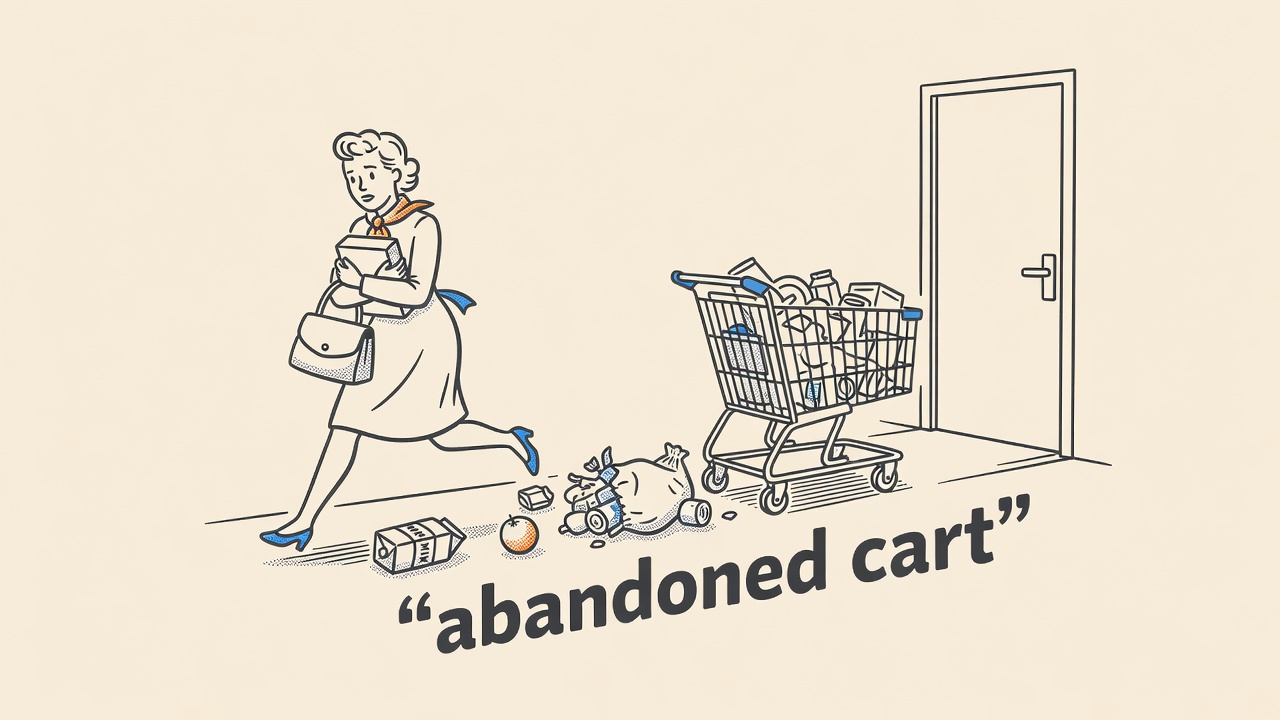
2. Abandoned cart recovery emails
LaunchMyStore’s 2024 ecommerce automation research and AF Commerce both rank email automation, especially abandoned cart flows, as a top early priority. A cart abandonment sequence requires almost no ongoing work once built. Set a trigger, write two or three emails, schedule the delays. Platforms like Klaviyo and Omnisend include pre-built abandoned cart flows that most stores can activate in under an hour. The revenue recovery is immediate and measurable.
3. Inventory sync
Stock updates across channels are repetitive, error-prone, and invisible until something breaks. Selling out-of-stock items, overselling during a sale, or letting channel counts drift all create customer complaints and refunds. An inventory sync tool updates counts across your store, marketplace listings, and warehouse in real time. AF Commerce, Intuz, and Shopify’s 2024 retail automation guidance all list inventory management as a standard first-wave automation.
4. Customer support triage
Your inbox fills with the same ten questions every week. Order status. Shipping times. Return policy. Size guides. A helpdesk platform with auto-triage, like Gorgias or Freshdesk, routes tickets by type, sends templated answers to common questions automatically, and flags anything that needs a human. AF Commerce’s 2024 guide recommends this early because the volume of repetitive support messages is almost always underestimated by new sellers.
5. Shipping labels and confirmation emails
Printing labels manually is one of the most time-consuming daily tasks in a physical product store. Shipping automation connects your order management system to a carrier, generates the label, and fires the confirmation email with tracking in one step. GoDaddy’s 2024 small business automation guide lists shipping label generation as one of the clearest time-savings wins for early-stage stores.
6. Pricing updates
If you run frequent promotions, sell on multiple channels, or carry a large SKU catalog, manual pricing is a daily time drain and a source of margin errors. A repricing tool or platform like Zapier or Make can apply scheduled discount rules, reverse them on schedule, and sync prices across channels without touching a spreadsheet. Pricing automation is a well-established starting point for high-SKU sellers.
Worth Knowing: Many sellers skip abandoned cart automation because they think their email list is too small to bother. It isn’t. Even ten recovered carts a month at a $60 average order value is $600 in revenue you’d otherwise lose permanently. Set the flow up before you think you need it. List size doesn’t change the math on recovery rate.
Prices accurate as of October 1, 2026
Should Abandoned Cart Come Before Inventory Sync?
For most stores, yes. The abandoned cart flow is faster to set up, requires no integration with a warehouse or third-party channel, and produces visible revenue within days of activation. Inventory sync tends to need more configuration, especially if you sell across more than one channel. The effort is worth it, but abandoned cart gives you a faster confidence win.
The exception is a store already dealing with stockout complaints or overselling incidents. If inventory errors are creating refunds and one-star reviews right now, move inventory sync to the top of the list. Active reputation damage outranks potential revenue you haven’t captured yet.
According to Intuz’s ecommerce workflow automation guide, the best practice is to treat your first three automations as a package: order confirmation, abandoned cart, and inventory sync. Together they cover the full purchase loop, before, during, and after the transaction. Getting those three running changes the operational feel of the store faster than any other combination.
Which Manual Tasks Are Most Error-Prone and Worth Automating First
Order processing errors, inventory miscounts, and missed abandoned cart windows carry direct revenue consequences. These belong at the front of your automation queue regardless of how long they take. Some manual tasks are tedious but harmless when done wrong; these aren’t. They generate refunds, chargebacks, bad reviews, and lost customers.
Shipping label errors cause incorrect deliveries, carrier fees, and customer service volume. A single miskeyed address on a high-value order can cost more than a month of software subscription fees for a shipping automation tool. The Bureau of Labor Statistics notes that process analysis and workflow improvement consistently rank among the highest-value operational investments for small businesses, precisely because error reduction compounds over time.
Support triage errors, specifically routing an urgent complaint to a low-priority queue, can turn a recoverable situation into a public review. Auto-triage doesn’t just save time. It reduces the chance that a high-stakes ticket goes dark for three days while you’re handling fulfillment.
The Tools That Make These Ecommerce Automation Tasks Practical
You don’t need a developer or a custom integration for any of the six automations on this list. Email marketing platforms like Klaviyo and Omnisend handle abandoned cart, welcome sequences, and post-purchase flows with template libraries. Helpdesks like Gorgias and Freshdesk handle support triage. Shopify and WooCommerce both have native order automation or connect directly to fulfillment apps.
For tasks without a dedicated tool, a workflow automation platform like Zapier or Make bridges the gap. These platforms connect apps that don’t natively talk to each other, trigger actions based on events, and run on a schedule. Most of the pricing logic for smaller catalogs can be handled here without writing a line of code.
The principle from AutomationAtlas applies here too: pick the simplest tool that reliably handles the task. You can always upgrade later. The goal in the first 90 days is working automation, not perfect automation. Review your stack quarterly and cut anything not earning its subscription fee in documented time savings.
Quick Takeaways
- The 6 store tasks you should automate first are order processing, abandoned cart emails, inventory sync, customer support triage, shipping labels, and pricing updates, in that order for most stores.
- Audit your tasks for one week before choosing your first automation. Score for frequency, time spent, rule clarity, and error cost.
- Abandoned cart and order confirmation together are the fastest two-automation wins for most new stores.
- Inventory sync belongs in your first three automations, especially if you sell on multiple channels or are already seeing stockout complaints.
- Use the simplest reliable tool, not the most sophisticated one. You can upgrade later once the workflow proves out.
Frequently Asked Questions
- What ecommerce tasks should be automated first for a small store?
- For a small store, start with order confirmation emails, abandoned cart recovery, and inventory sync. These three cover the full purchase loop, reduce the most common manual errors, and produce measurable results fast. You don’t need advanced tools. Most email platforms and ecommerce platforms include these workflows out of the box or with a basic integration.
- Which store tasks save the most time when automated first?
- Order processing and shipping label generation consistently save the most raw hours for stores handling physical products. Both involve the same steps repeated for every order, every day. Automating them eliminates a significant block of daily manual work. Customer support triage saves fewer hours per task but compresses a full week of repetitive volume into minutes of human review time.
- Should abandoned cart emails be automated before inventory sync?
- For most single-channel stores, yes. Abandoned cart automation is faster to set up and generates visible revenue within days. Inventory sync takes more configuration, especially across multiple channels. The exception is stores already experiencing stockouts or overselling complaints. Active reputation damage from inventory errors should take priority over potential revenue recovery from cart abandonment.
- Which customer support tasks should be automated first in ecommerce?
- Start with auto-responses to the most common questions: order status, shipping timelines, and return policy. A helpdesk platform with auto-triage, such as Gorgias or Freshdesk, can handle these without any human review. The goal is to clear repetitive low-complexity tickets automatically so your time goes to complaints that actually require judgment and personal attention.
- What pricing tasks are worth automating first for retailers with many SKUs?
- For high-SKU catalogs, start by automating scheduled promotional discounts and their reversals. Manual price changes across hundreds of SKUs are slow, error-prone, and often inconsistent across channels. A repricing tool or workflow automation platform applies and removes discount rules on schedule without manual input, which prevents margin errors and frees time for more strategic pricing decisions.