
TL;DR: You can launch your first online store today by choosing the right product model, validating demand before you build, picking a beginner-friendly platform, and running through a short pre-launch checklist. Focus on getting your first sale before optimizing anything else.
You can launch your first online store today with less friction than at any point in ecommerce history. Platforms handle hosting, checkout, and payments out of the box. What slows most beginners down is not the technology but starting without a clear sequence of steps.
How to Launch Your First Online Store Today: The Six-Step Path
An online store is a website that lets customers browse products, add them to a cart, and complete a purchase without visiting a physical location. That definition matters because it clarifies what “done” actually looks like: not a beautiful site, but a working buying experience. The core sequence is simple. Pick a niche, validate demand, choose a product model, register your business, build and configure your store, then market it before and at launch. Each step feeds the next, and skipping one usually means backtracking later.
Choosing the right niche comes first. A niche is not just a product category. It is a specific group of buyers with a shared problem or desire that your products address. The tighter your focus at launch, the easier every downstream decision becomes, from homepage copy to ad targeting. Most beginners try to sell to everyone and end up selling to no one. Pick one audience and go deep.
The cheapest way to start an online store is to choose a model with no upfront inventory cost. Print-on-demand and dropshipping both let you list products without buying stock first. Digital products go further still. You upload once and fulfill automatically, indefinitely, at near-zero marginal cost per sale. More on each model in the next section.
How to Choose Between Dropshipping, Print-on-Demand, Wholesale, and Digital Products
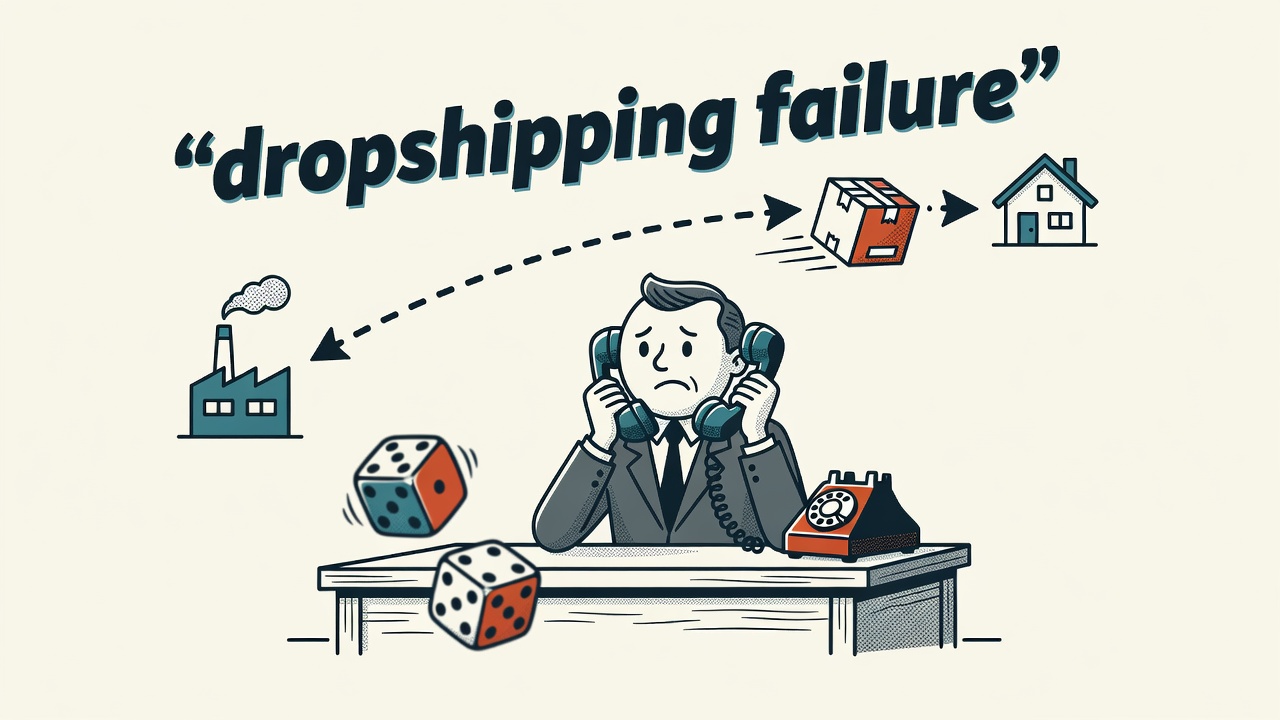
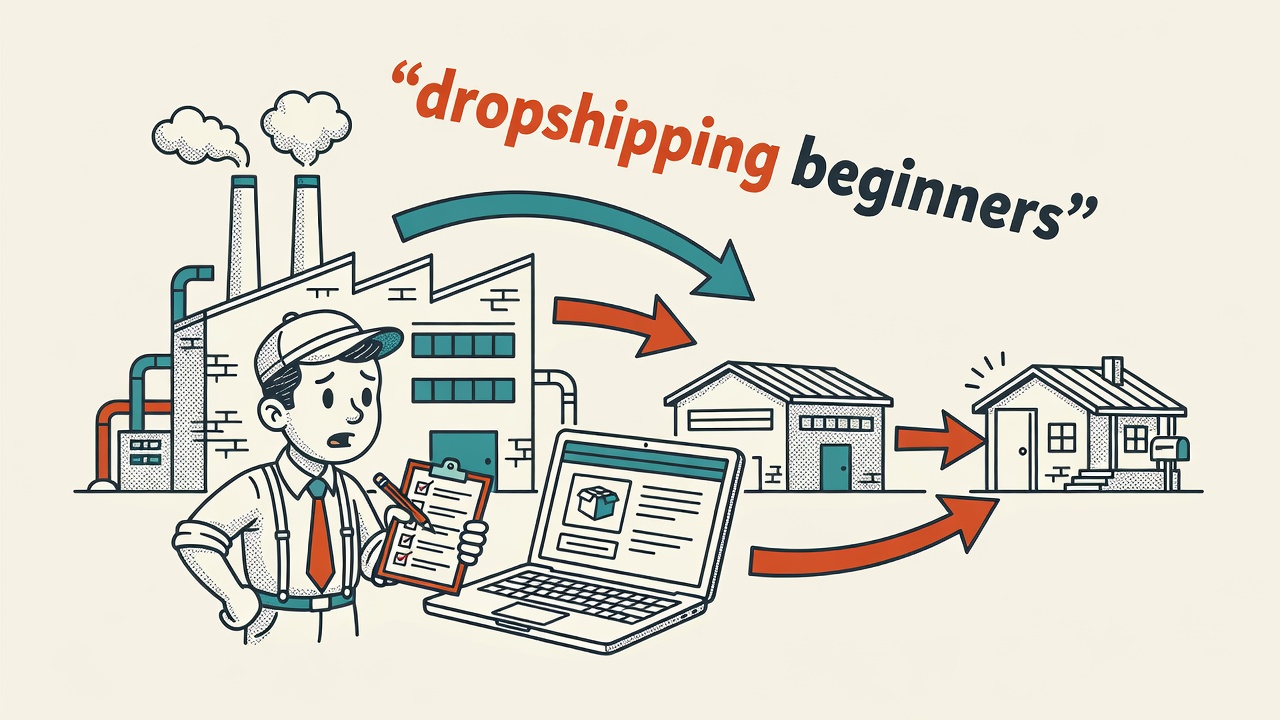
Each product model trades cost, margin, and control differently. Dropshipping connects your store to a supplier who ships orders directly to your customer. You never touch the product. The trade-off is thinner margins and less control over packaging and delivery speed. It is one of the fastest ways to start selling with zero inventory and minimal upfront investment, which is why many first-time store owners start here.
Print-on-demand works similarly but for custom-designed physical goods: t-shirts, mugs, wall art, phone cases. Services like Printful and Printify integrate directly with Shopify and WooCommerce. You design, they print and ship. Margins are tight, so pricing strategy matters from day one. Wholesale means buying in bulk from a manufacturer or distributor and reselling at a markup. Your cost per unit drops, but you carry inventory risk from the start. Digital products, including ebooks, templates, courses, and presets, carry the highest margins and zero shipping friction, but they require credibly positioning your expertise to convert first-time buyers.
Worth Knowing: If you are unsure which product model to start with, run a small pilot. List three to five dropshipped products for 30 days. If sales come in, reinvest them into a private-label or wholesale version of your best seller. Many successful stores started with dropshipping and migrated to owned inventory once they had confirmed proof of demand.
Validate Your Product Idea Before You Build the Store
Product validation confirms that real buyers want what you plan to sell, before you spend money building a store around it. It takes a few days and costs very little. Start with keyword research using a free or low-cost search volume tool. No search volume for your product category usually means no organic demand. Then look at existing sellers: if competitors are running ads consistently and accumulating active reviews, the market exists. Silence from competitors sometimes means the market does not.
A lightweight validation approach that costs almost nothing: create a simple landing page with a pre-order or waitlist form, drive a small amount of paid traffic to it, and measure how many visitors take action. A modest test budget can answer the core question before you invest days in platform setup and product photography. If the offer does not convert even a small percentage of cold traffic, redesign the product or the positioning before building the full store around it.
Which Platform Works Best for Beginners?
Platform choice shapes your monthly operating cost, design flexibility, and the integrations available to you. For most beginners, the decision comes down to Shopify or WooCommerce. Shopify is a fully hosted platform. You pay a monthly subscription and everything, hosting, security, and updates, lives inside Shopify’s system. WooCommerce is a free plugin for WordPress. You pay for hosting separately and control everything, which means more flexibility and more responsibility. Wix and Squarespace offer simpler drag-and-drop builders with ecommerce features added on. BigCommerce targets stores expecting higher volume and needing more built-in functionality from the start.
If you want to launch your first online store today without any technical background, Shopify removes the most friction and gets you live fastest. WooCommerce is a stronger long-term fit if you want full control and are comfortable managing a self-hosted WordPress site. Both have large app ecosystems and active support communities.
| Platform | Hosting | Technical Skill | Best For |
|---|---|---|---|
| Shopify | Included | Low | Beginners who want to move fast |
| WooCommerce | Self-hosted | Moderate | WordPress users who want full control |
| Wix | Included | Low | Very small stores with simple catalogs |
| BigCommerce | Included | Low to moderate | Stores expecting higher order volume |
Payments, Taxes, Shipping, and Business Registration
Payment processing, tax settings, shipping rates, and legal pages are not optional, and they take longer to configure than most beginners expect. For payments, connect a processor your platform supports. Shopify Payments, Stripe, and PayPal are common starting points for new stores. Check which processors are available in your country before you commit to a platform, since availability varies by region. For taxes, most platforms can auto-calculate sales tax or VAT based on your customer’s location, but you are responsible for understanding your actual obligations. Tax rules vary by country, state, and even product type. The IRS publishes guidance for US-based online sellers on how online sales are taxed. For UK sellers, GOV.UK covers registration, VAT, and trading obligations from a single starting point. If you are unsure of your obligations, consult a local accountant before launch.
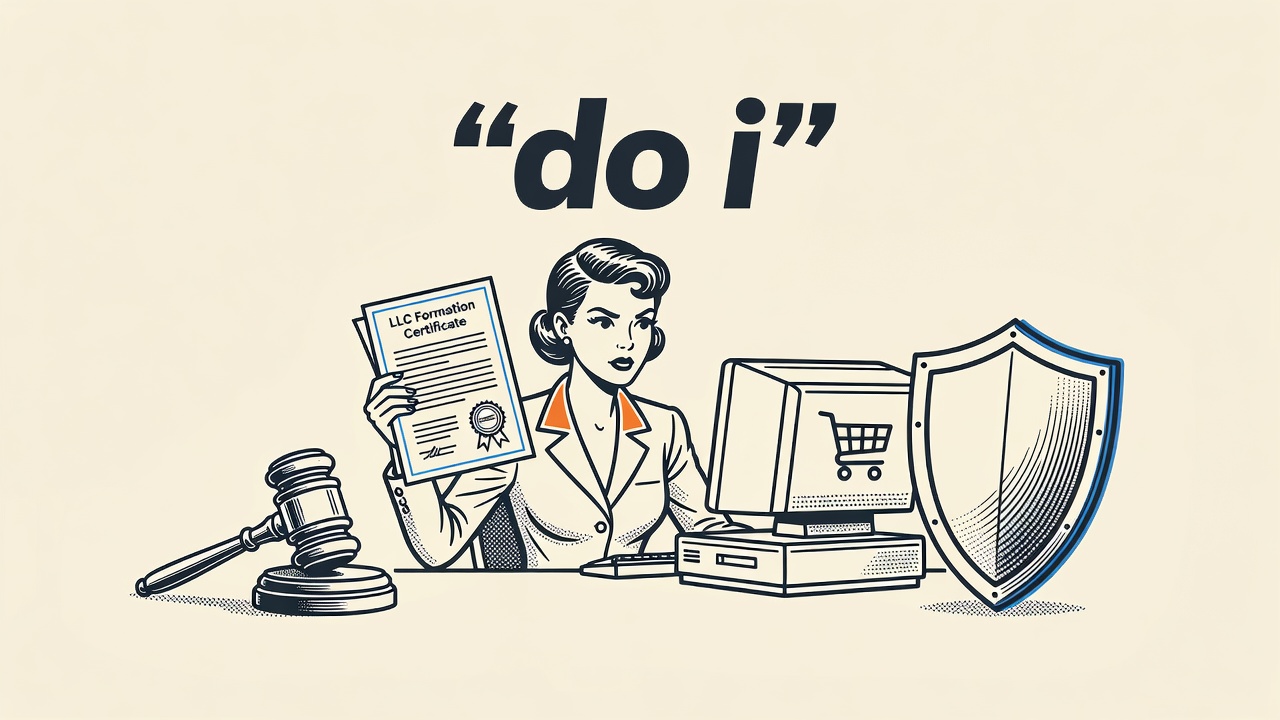
For business registration, requirements depend on where you operate. In most jurisdictions, you need at minimum a business name registration and a bank account separate from your personal finances. In the US, the Small Business Administration outlines the steps: choose a business structure, obtain an EIN, and check for any state-level licenses or permits your product category requires. Keeping business and personal finances separate from day one makes tax time far simpler. For shipping, set your rates before launch. Common approaches include flat-rate shipping, free shipping above a minimum order value, or carrier-calculated rates. Free shipping above a threshold is a widely used tactic to increase average order value, but run the margin math first to confirm it works for your price points.
Pro tip from Ronen Abudi, e-commerce and GEO specialist (ronenabudi.com): Before you go live, place five test orders through your own checkout using different devices and payment methods. Most launch-day failures trace back to a shipping rule that breaks on mobile or a tax setting that was configured but never saved correctly.
Ready to Launch Your First Online Store Today? Use This Pre-Launch Checklist
Every store needs the same set of core pages before going live. Build a home page, product pages, an About page, a Contact page, a Privacy Policy, a Returns and Refunds Policy, and Terms of Service. The policy pages are not optional in most markets. Many buyers check the returns policy before completing their first purchase, and most payment processors require these pages to approve your account. Write them in plain language, not legal jargon, so a first-time visitor can actually understand what they are agreeing to.
Test your checkout end to end using a real card or a test transaction. Confirm that automated order confirmation emails send correctly and that the content is accurate. Check every product page on a mobile phone, since a large share of ecommerce traffic arrives from mobile devices. Verify your analytics are tracking site visits and add-to-cart events correctly. Set up at minimum a basic email capture form so you can follow up with visitors who leave without buying.
Marketing does not start after launch. Send an announcement to any existing email list or social following before the store goes live. Run a small paid campaign to your strongest product page on launch day. Reach out directly to people in your niche who might share or review the product. Organic search traffic will not arrive in meaningful volume for weeks or months. Your first sale requires active effort, not passive waiting. Push it over the line with direct outreach and a targeted promotion, then use what you learn from that first sale to improve everything else.
Quick Takeaways
- Pick a tight niche first. A specific audience makes every platform, product, and marketing decision easier to get right.
- Validate demand before building. A simple landing page or keyword check costs almost nothing and tells you whether buyers exist before you commit.
- Dropshipping and digital products are the lowest-cost ways to start selling without upfront inventory investment.
- Get the configuration basics right before launch: business registration, payments, taxes, shipping rates, and all required policy pages.
- Market before and at launch, not only after. Your first sale requires active effort; organic traffic takes time to build.
Frequently Asked Questions
- What is the fastest way to launch an online store with no inventory?
- Dropshipping is one of the fastest paths to selling without holding inventory. You list products from a third-party supplier, and they ship directly to your customer when an order is placed. Print-on-demand follows the same model for custom-designed physical goods. Both approaches can have a store live within a day or two and require minimal upfront investment to get started.
- Which ecommerce platform is best for a complete beginner?
- Shopify is widely recommended for beginners because it handles hosting, security, and updates automatically, letting you focus on products and marketing rather than technical maintenance. WooCommerce is a strong alternative for beginners comfortable with WordPress who want more control over their site. Both platforms have large support communities, extensive app libraries, and solid documentation for first-time store owners.
- Do I need to register a business before opening an online store?
- In most countries, yes. You are typically required to register a business name, choose a legal entity structure, and obtain applicable tax identification numbers before selling commercially. Requirements vary by jurisdiction. In the US, the Small Business Administration provides a free step-by-step guide at sba.gov. Operating without registration creates tax liability and personal financial exposure that a simple registration avoids.
- What pages does every online store need before going live?
- Every store needs a home page, product pages, an About page, a Contact page, a Privacy Policy, a Returns and Refunds Policy, and Terms of Service. Payment processors including Stripe and PayPal require the policy pages before activating your account. Beyond compliance, customers from unfamiliar stores routinely check the returns policy before placing a first order, so writing it in plain language rather than legal jargon directly reduces cart abandonment.
- How do I validate a product idea before building a store?
- Check search volume for your product category to confirm organic demand exists. Look at competitors: consistent ads and active reviews are a positive signal that the market is real. For a stronger test, build a simple landing page with a pre-order or waitlist form and drive a small amount of paid traffic to it. If enough visitors take action, you have confirmed the market before committing significant time and money to a full store build.