
TL;DR: How to launch your online store with zero startup costs comes down to three choices: a no-inventory business model (dropshipping, print-on-demand, digital products, or affiliate), a free storefront like Gumroad or Ecwid, and a per-transaction payment processor like Stripe or PayPal. Drive early traffic with organic content on TikTok and Reddit before spending a dollar on ads.
How to launch your online store with zero startup costs is now a realistic starting point for first-time sellers, not just a thought experiment, because free platforms, no-inventory models, and per-transaction payment processors have removed the financial barriers that once made ecommerce inaccessible. The main barriers that remain are time, consistency, and picking the right model for your skills and niche. This guide walks through each decision in sequence so you can move from idea to live store without touching your savings.
No-Inventory Business Models That Cost Nothing to Start
A zero-cost ecommerce launch is possible because several proven business models require no upfront stock purchase. You list products, customers buy, and you either source after the sale or deliver a digital file. No warehouse. No inventory risk. No capital tied up in goods sitting on a shelf.
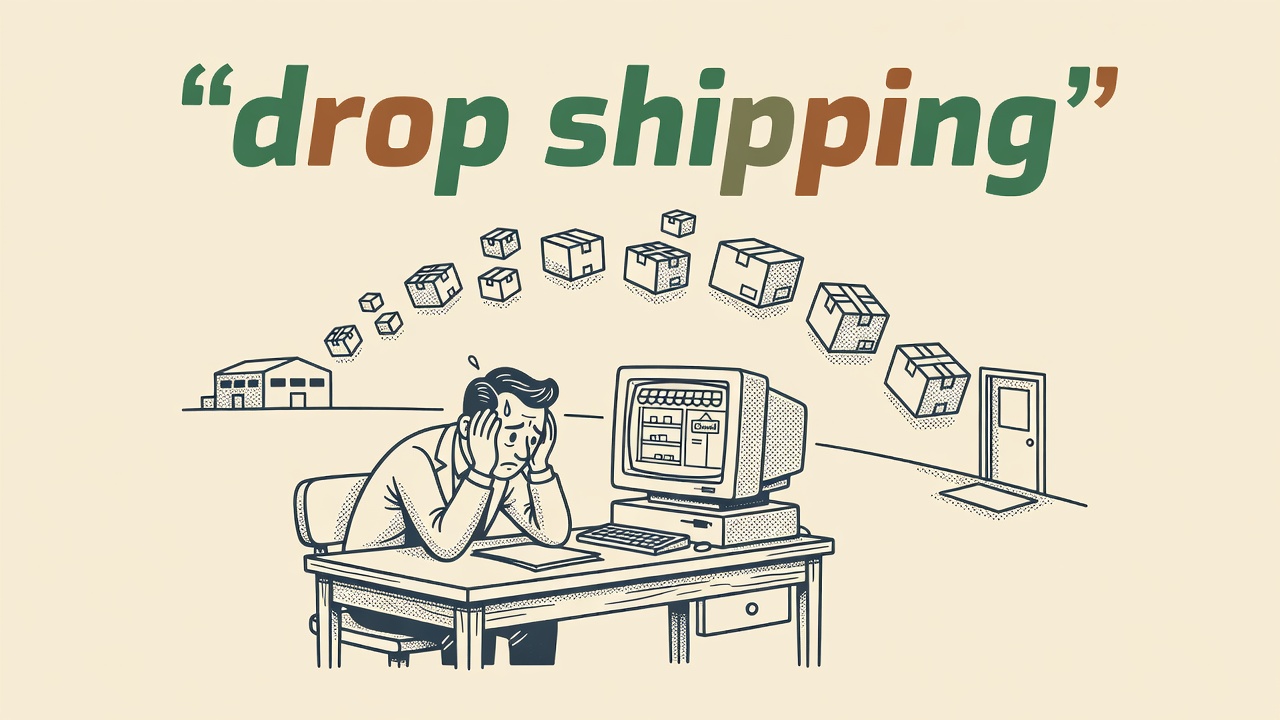
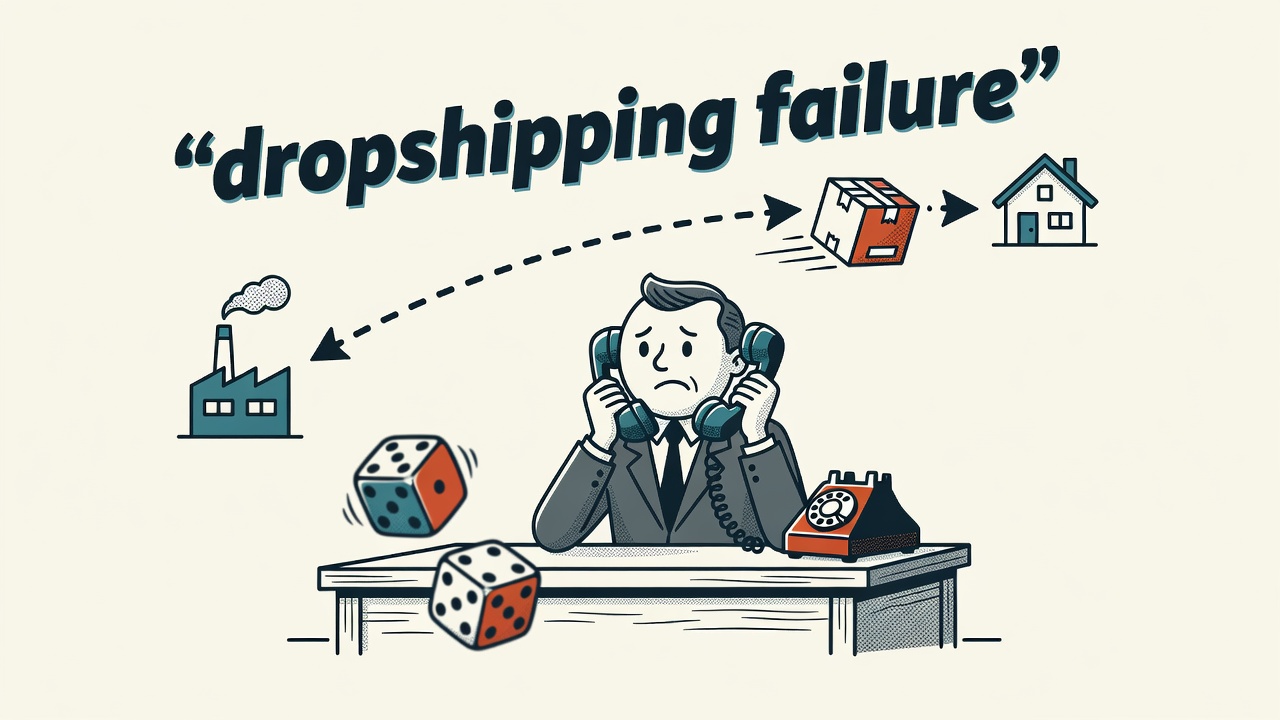
Dropshipping connects your store to a supplier who ships directly to your customer. You collect payment first, then pay the supplier wholesale. You never touch the product. Print-on-demand works the same way. Platforms like Printful and Printify manufacture each item only when someone orders it. No minimum order quantities. No unsold stock to write off. Combining a free ecommerce platform with a no-inventory model means the initial investment can be exactly $0.
Digital products eliminate fulfillment entirely. An ebook, a Lightroom preset pack, a Notion template, or a short course gets created once and sold an unlimited number of times. Delivery is instant and automatic. Affiliate storefronts take a different angle: you build a store that promotes another brand’s products, link out to their checkout, and earn a commission on every completed sale. You own no product and handle no orders. These four models are the foundation of how to launch your online store with zero startup costs without touching a credit card.
How to Launch Your Online Store With Zero Startup Costs: Choose a Free Platform
Gumroad and Payhip are the top choices for digital product sellers starting with nothing. Both platforms offer free tiers that charge a small percentage per transaction rather than a monthly fee. Both host your store on their own subdomain, which means you skip domain registration costs entirely. You create an account, upload your product, and your store is live within an hour.
For physical goods or print-on-demand products, Ecwid and Square Online both offer free tiers with enough functionality to run a real store. Ecwid’s free plan supports up to five products and connects to your existing site or social profiles. Square Online lets you sell unlimited products on its free tier and only charges a transaction fee per sale. Big Cartel lets you list up to five products at no monthly cost, with a clean, minimal storefront included.
Shopify offers a trial period followed by deeply discounted pricing in the first months. That is not free, but the entry cost is low enough to recoup from early sales. WooCommerce is free as a WordPress plugin, but it requires paid hosting, so it does not qualify as a zero-cost launch. The clearest advice at this stage: skip a custom domain entirely. Use the free subdomain your platform provides. Once your first sales come in, reinvest that revenue into a domain name.
| Platform | Best For | Free Forever | No Domain Needed |
|---|---|---|---|
| Gumroad | Digital products | Yes | Yes |
| Payhip | Digital and physical | Yes | Yes |
| Ecwid | Physical and digital | Yes, up to 5 products | Yes |
| Big Cartel | Physical goods | Yes, up to 5 products | Yes |
| Square Online | Physical goods | Yes, unlimited products | Yes |
How to Validate Demand Before You Build Anything
Building a store before you know anyone wants your product wastes weeks of effort. Validation comes first. You need evidence that real buyers exist and will pay before you invest time setting up pages, writing product descriptions, or sourcing inventory. Skip this step and you risk building for an audience that was never there.
Start with search data. Check Google Trends to see whether interest in your niche is growing, flat, or declining. Then go where your potential buyers already talk. Browse relevant Reddit communities and Facebook groups. Look for people actively asking where to buy this type of product, complaining about existing options, or sharing recommendations. Consistent demand signals in those spaces confirm a real market exists.
Post the product on social media before you build anything. Measure saves, shares, comments, and direct messages. If engagement is low, adjust your angle or niche before committing further. You can also run a pre-order test: list the product, set a minimum order count, and only fulfill if you hit it. You can keep validation costs near $0 by combining a free trial, print-on-demand, and organic social. Use that no-cost window to validate demand before committing to any paid upgrade.
Payment Processors That Charge No Monthly Fee
A free storefront still needs a way to collect money. The good news is that the right payment processor costs nothing to maintain each month. You only pay when you make a sale. That model fits a zero-startup-cost launch perfectly and keeps your overhead at zero until revenue arrives.
Stripe charges per transaction only. There is no monthly fee and no setup cost. It integrates with most free ecommerce platforms in a few clicks and is available in dozens of countries. PayPal follows the same fee structure. Buyers recognize it immediately, which reduces checkout hesitation. Both processors let you start accepting payments the same day you connect them.
Sellers in African markets have strong options too. Paystack and Flutterwave both operate on a per-transaction model with no monthly fee. Either one connects to your storefront and handles local payment methods buyers already use. Whichever processor fits your market, connect it before you launch. This is not an optional step to handle later. Your store cannot function without it, and setup takes under an hour.
Worth Knowing: Zero-cost ecommerce is real, but it is not fast. Many first-time sellers who rely entirely on organic traffic take 60 to 90 days to land their first sale. Treat that period as paid research into your audience and niche. Pick one traffic channel, post consistently for at least four weeks, and measure what connects before spreading across multiple platforms.
How to Launch Your Online Store With Zero Startup Costs and Drive Organic Traffic
Organic traffic is the only realistic growth engine for a zero-budget store. It trades money for time. The main channels are short-form video on TikTok and Instagram Reels, community participation on Reddit, search engine optimisation through written content, and email list building from the first day you open.
TikTok and Instagram Reels give new accounts access to wide audiences through algorithmic discovery, with no ad spend required. Many sellers find that short product demo videos and tutorials perform well for physical products and print-on-demand items. A 30-second clip showing a product in use or walking through a design process typically costs nothing to produce. When measuring early traction on short-form video, treat saves and shares as stronger signals than comment count: saves indicate purchase intent, and shares extend your reach without requiring additional posts. Reddit works differently. You participate in niche communities before you ever mention your store. Read the rules of each subreddit carefully. A common pattern is to contribute genuine answers and useful posts for several weeks before any soft promotion. Communities tend to reward authenticity and punish obvious self-promotion.
SEO content compounds over time. Write helpful articles or detailed product descriptions that target the phrases your buyers actually search. Google Search Console (free) lets you monitor which queries bring visitors and which pages earn clicks. Start an email list on day one using the free tier of Mailchimp or Brevo. Many experienced sellers note that a list of 100 subscribers who trust you will typically outperform 10,000 cold social followers when it comes to actual conversions.
Free Tools for Photos, Branding, and Store Setup
Modern phone cameras produce store-ready product images without any additional equipment. Use natural window light rather than harsh indoor bulbs. Place your product against a plain white or neutral background. Shoot multiple frames and pick the sharpest one. Many sellers run successful stores without ever touching a DSLR. A consistent, well-lit photo set builds credibility fast.
The free tier of Canva handles logos, product mockups, social graphics, and store banners without requiring any design background. For print-on-demand sellers who cannot photograph physical stock, Printful and Printify both offer free mockup generators that layer your design directly onto product photos. These mockups are typically polished enough to use on product pages and social posts from launch day.
For tracking and admin, Google Analytics 4 monitors visitor behaviour and conversion rates at no cost. Connect it during store setup so data starts accumulating immediately. Gmail handles initial business communication for free and pairs with Google Workspace tools if you need shared documents or spreadsheets for order tracking. Matching a free tool to every core task means you have a concrete next step rather than a gap that stalls progress.
Pro tip from Ronen Abudi, e-commerce and GEO specialist (ronenabudi.com): If you are choosing between digital products and print-on-demand for your first zero-cost store, start with digital. There are no fulfillment delays, no supplier variables, and your gross margin is the full sale price minus the processor fee, which gives you more room to experiment with pricing early on.
Quick Takeaways
- All four no-inventory models (dropshipping, print-on-demand, digital products, and affiliate) cost exactly $0 to start when paired with a free platform that charges per transaction rather than per month.
- Skip buying a custom domain at launch and use the free subdomain your chosen platform assigns you until your first sales give you revenue to reinvest.
- Connect your payment processor before your store goes live, not as an afterthought, because your store cannot accept orders without it and setup takes less than an hour.
- Pick one organic traffic channel at the start and commit to posting consistently for several weeks before you judge results or consider adding a second channel.
Frequently Asked Questions
- Can I start ecommerce with just a social media storefront and no website?
- Yes, platforms like Instagram Shopping, TikTok Shop, and Facebook Marketplace allow you to list and sell products entirely within the social app without a standalone website. This approach works well for validating a product idea quickly, though building your own storefront eventually gives you more control over customer data, branding, and the checkout experience as your business grows.
- How do I launch a dropshipping store with zero startup capital?
- Connect a free or trial-period storefront to a supplier directory like DSers or Spocket, both of which offer free starter plans. You list supplier products on your store with a markup, and only pay the supplier after a customer completes a purchase. Since you collect payment before placing the supplier order, you never need upfront capital to hold inventory or pre-purchase stock.
- How do I launch a print-on-demand store with no upfront cost?
- Create a free account with Printful or Printify, design your products using their built-in editor, and connect the integration to a free storefront such as Big Cartel or Ecwid. Each item is manufactured only after a customer orders it, so there is no minimum production run and no inventory to purchase in advance. Your only task before launch is uploading finished designs.
- What are the hidden costs of a “free” online store?
- Per-transaction fees are the main ongoing cost to plan for. Free platform tiers typically keep a percentage of each sale on top of standard payment processor fees. Some platforms also restrict useful features like discount codes, detailed analytics, or multiple product variants to paid tiers. Read each platform’s fee schedule before signing up so there are no surprises once sales begin arriving.
- When should I buy a custom domain and upgrade from free tools?
- The clearest trigger is consistent sales revenue. Once your store generates enough monthly income to cover a domain and a paid platform tier with money left over, upgrading makes financial sense. A custom domain strengthens brand credibility with returning buyers and typically costs $10 to $15 per year. Upgrading before you have proven sales means spending money to solve a problem that does not yet exist.