
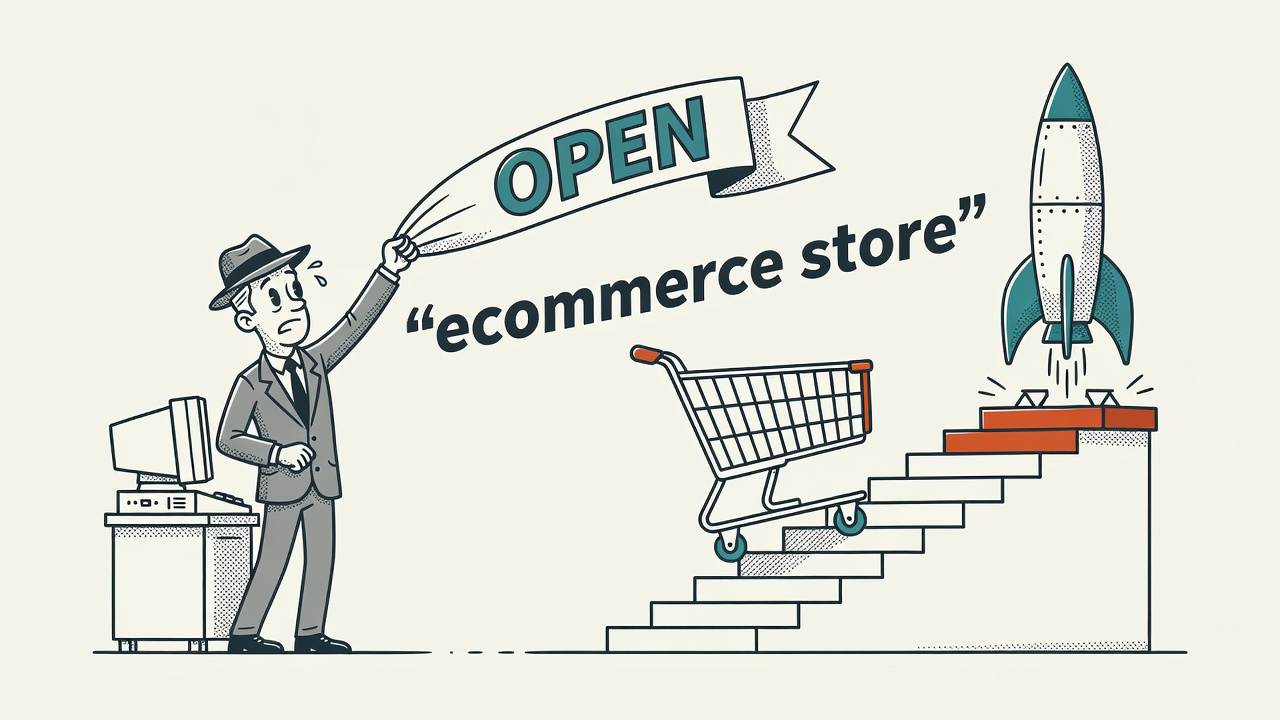
TL;DR: How to launch your first ecommerce store step by step comes down to five moves executed in the right order: validate a product, choose a platform, build your brand, configure operations, and market before you publish. Most beginner stores fail because they skip the validation step and build on an assumption. Follow the sequence and you avoid the most expensive mistakes.
Step 1: Find a Profitable Niche and Validate Your Product Idea
How to launch your first ecommerce store step by step always starts with one question: what will you sell, and does anyone want to pay for it? Rushing to platform setup before you answer that is how sellers end up with $3,000 in inventory and zero buyers. Start narrow. A niche is not a broad category like “fitness” but a specific problem for a specific person, such as resistance bands designed for seniors doing physical therapy at home.
To find a profitable niche, look for buying intent signals. Use Google Trends to identify rising search interest and spot seasonal patterns, then browse Amazon bestseller lists, Reddit communities, and Facebook groups where your target buyer spends time. You want consistent, sustained demand, not a spike that fades in a month. Study the negative product reviews in your category on Amazon. Those are complaints written by real customers about what currently available products are getting wrong, and they are your product brief for free.
Validation does not require a finished store. Build a simple landing page with a pre-order button or an email signup and drive a small amount of paid traffic to it, even $50 on Facebook or TikTok. If nobody takes action, the problem is the product idea, not the marketing. Real demand shows up as real behavior. Once you see meaningful click-through rates or email signups, you have enough evidence to move forward. Validate first, build second, and save yourself weeks of wasted effort.
Choose a Platform and a Fulfillment Model That Match Your Resources
Platform choice shapes your monthly costs, your checkout experience, and how much technical setup you take on. Shopify is the most popular starting point for first-time sellers. It bundles hosting, payment processing, and a drag-and-drop store builder into one subscription, and the app marketplace covers nearly every gap. WooCommerce is the better option if you already run a WordPress site or want full control over your store data without ongoing platform fees. Wix suits product lines where visual design flexibility is a priority. Square works well for sellers who also operate a physical retail location.
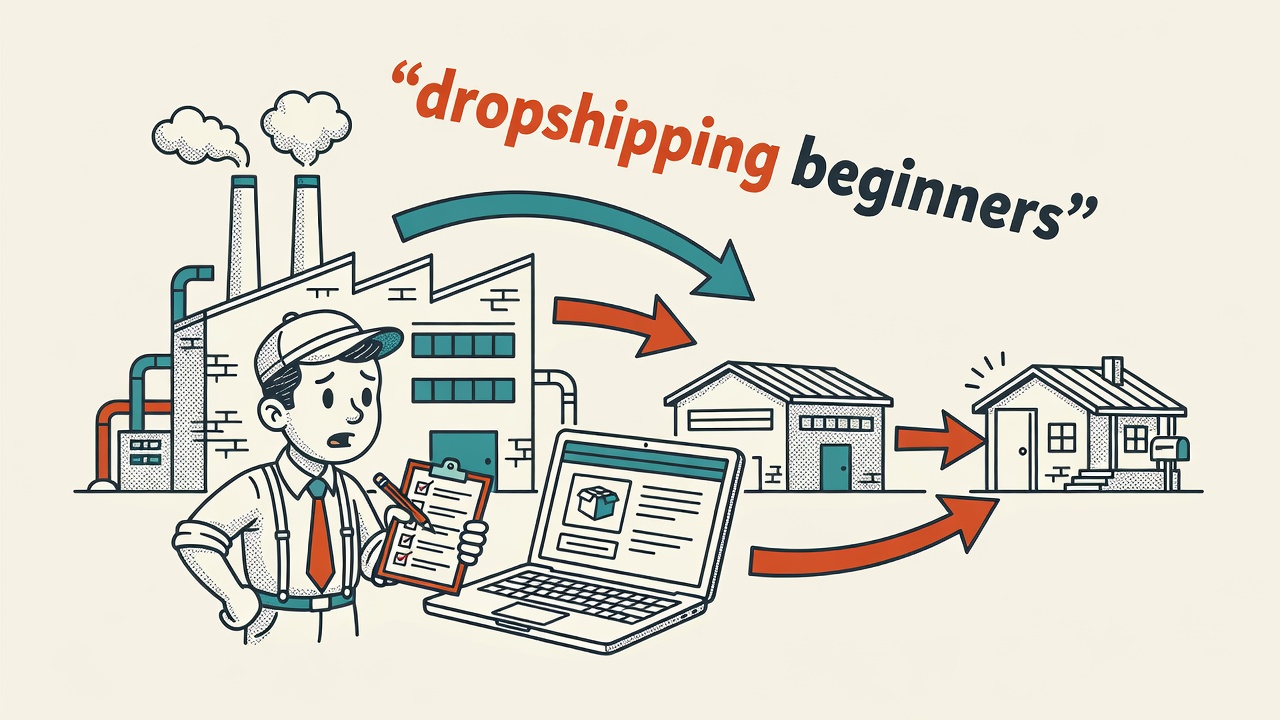
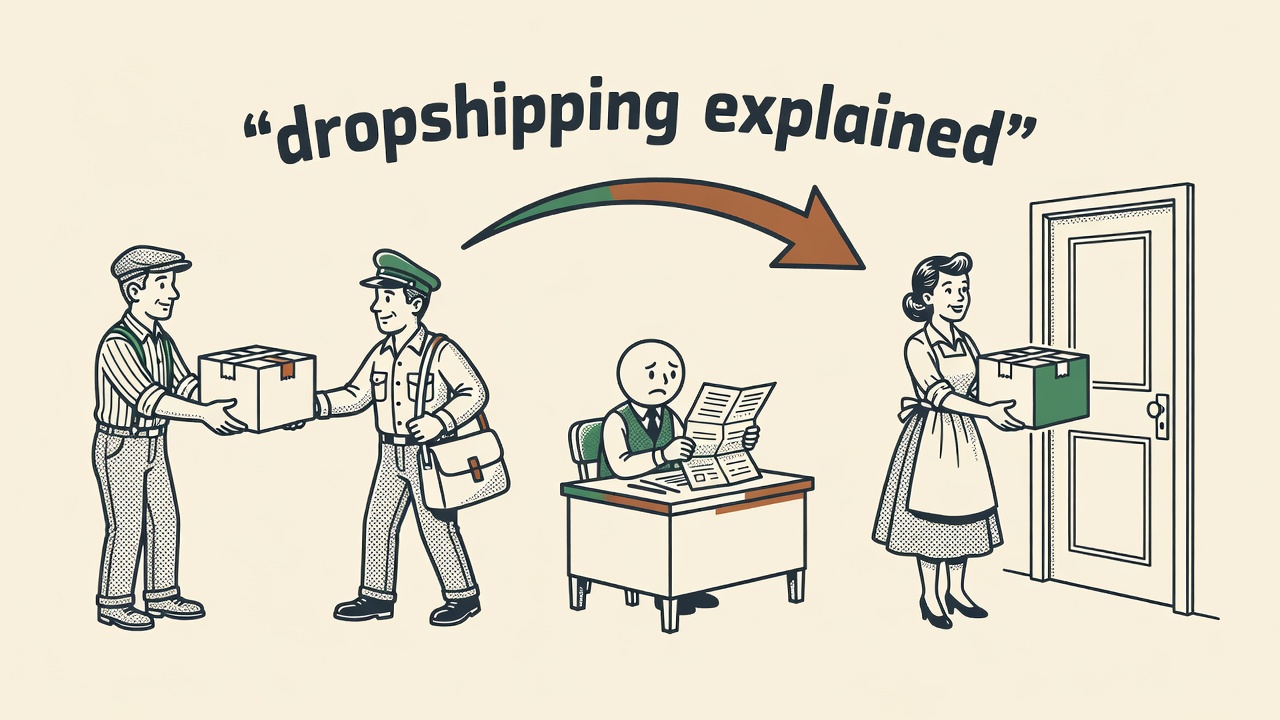
Your fulfillment model determines your risk level and your profit margins. Holding your own inventory gives you the best margins and full quality control, but it requires upfront capital and storage space. Dropshipping lets you sell without purchasing stock in advance, which lowers financial risk, but margins are thinner and you depend entirely on your supplier’s shipping speed and quality. Print-on-demand (POD) is ideal for custom products like apparel, mugs, or art prints because you only produce when an order comes in, eliminating unsold stock risk entirely.
For a first store with a limited budget, dropshipping or POD lowers the barrier significantly. Start with three to five products from one reliable supplier, test what sells, and measure carefully. Once you confirm demand for a product, shift toward holding that inventory yourself. You get a lower cost per unit, faster shipping for customers, and better control over packaging. That directly affects your review scores and your repeat purchase rate, which are two of the most important drivers of long-term profitability.
Set Up Your Brand Identity, Business Name, and Domain
A strong business name is short, memorable, and easy to spell correctly the first time someone hears it. Avoid names that box you into a product category you might outgrow within a year. Before you commit, check domain availability, social handle availability, and the relevant trademark database. A .com extension remains the standard trust signal for ecommerce. Before you start taking payments, review the SBA’s business registration guidance to understand what filings your state requires. Legal setup is not optional, and skipping it creates expensive problems later.
Brand identity does not require a large design budget or a professional agency. A clean logo, two consistent brand colors, and one readable font applied consistently across every touchpoint is enough to look credible to new buyers. Tools like Adobe Express let you create a professional logo in under an hour at no cost. Write one sentence describing what your store does and who it serves. Use that sentence on your about page, your email footer, and your social media bio. Consistency builds trust faster than visual polish, and you can refine your brand identity as real customer feedback gives you direction.
Worth Knowing: Register your domain for two years minimum, not just one. Domains that lapse are immediately targeted by squatters, and buying back your own name costs far more than the original renewal fee. Turn on auto-renew and point notifications to a business email address you will actually monitor. This five-minute step prevents a genuinely painful situation down the road.
How to Launch Your First Ecommerce Store Step by Step: Build Your Pages and Configure Operations
Every new store needs the same core pages at launch: a home page, product pages, an about page, a contact page, and three legal pages covering your shipping policy, your returns or refund policy, and your privacy policy. The legal pages are not optional and affect buyer trust directly. Write your shipping and returns policies in plain, specific language. Customers read these before they buy, and vague or missing policies cost you conversions before the checkout even loads. The FTC also requires clear disclosure of material connections when you use reviews, testimonials, or influencer promotions.
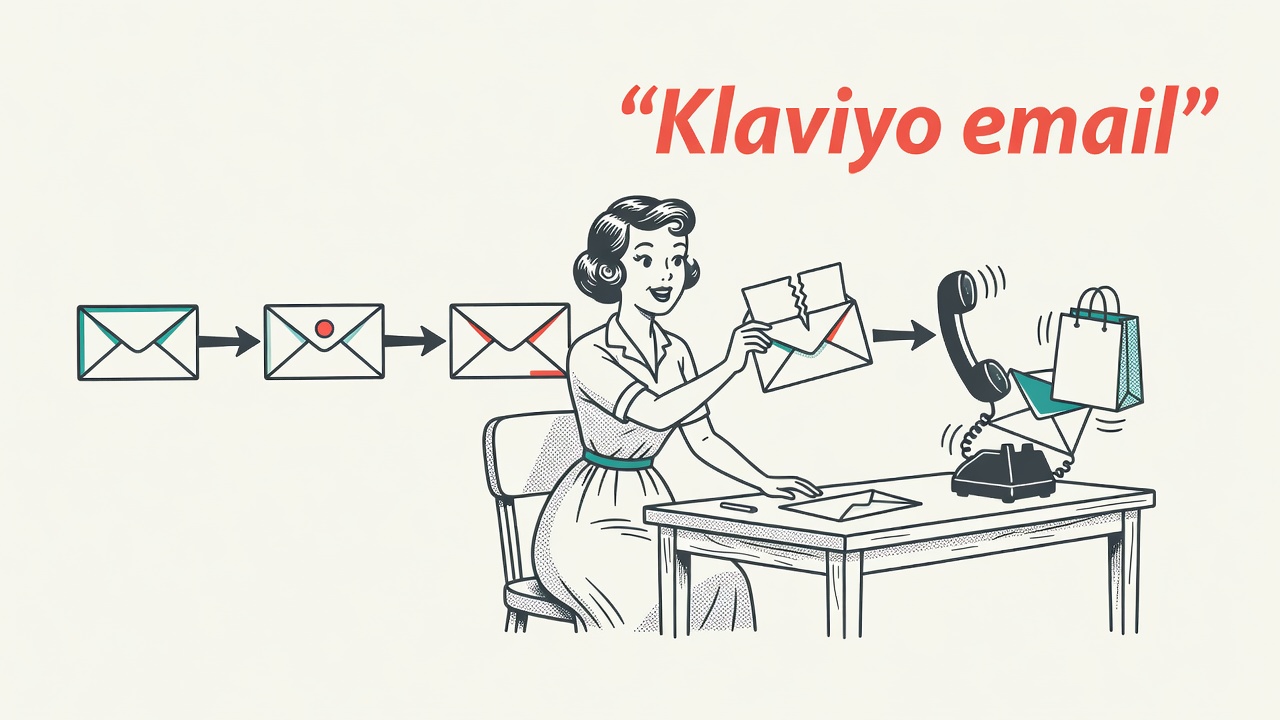
Payment setup takes under an hour on most platforms. Enable Stripe, PayPal, or your platform’s native gateway to keep checkout friction low. For taxes, use your platform’s built-in tax calculator or a dedicated service, and consult the IRS small business center for guidance on your obligations. Configure your shipping zones based on your fulfillment model. Flat-rate shipping is the simplest option to communicate to buyers. Offering free shipping above a threshold, typically $50 to $75, reliably increases average order value. Before you publish, place a real test order and refund it. Confirm every automated email fires in sequence and that the full checkout flow works on a mobile screen.
Product pages are where browsers become buyers, and they deserve more attention than most first-time sellers give them. Each page needs a clear product title, three to five high-quality photos showing the product in use, a description written around customer benefits rather than product specs, all relevant variant details, and social proof in the form of reviews or ratings. Add a short FAQ section below the main product description to handle common objections before they cause cart abandonment. Trust signals like “30-day free returns” and inventory warnings like “only 4 left” measurably improve conversion rates. Keep pages fast-loading because page speed directly affects both your paid ad costs and your organic search rankings.
Build a Marketing Plan and Track Your First 30 Days
A store without traffic generates no data and no sales. Your marketing plan needs to exist before launch day, not assembled afterward. Pick two channels to focus on: one for organic reach and one for paid traffic. For most beginners, organic means short-form video on TikTok or Instagram Reels combined with an email capture form on the site to start building a list from day one. Paid means a small Meta Ads or Google Shopping campaign with a daily budget you can treat as tuition while you learn what your customers respond to. Set up Google Analytics and your platform’s native analytics before the store goes live so you have data from the first day, not retroactively from day 30.
Treat your first 30 days as a diagnostic period, not just a revenue push. Track three metrics: total traffic, conversion rate, and average order value. High traffic with a low conversion rate points to a product page problem, a pricing mismatch, or a trust gap. Low traffic across every channel means your distribution is broken. Fix one bottleneck at a time. If you change multiple variables simultaneously, you will not know which change drove any improvement. How to launch your first ecommerce store step by step does not end on launch day. The first month of real customer data is your actual business plan.
Quick Takeaways
- Validate demand before building your store. A landing page and a small ad test can confirm whether real buyers exist before you invest significant time or money.
- Shopify is the fastest path to a working storefront for most beginners; WooCommerce suits those who want lower long-term fees and are comfortable with WordPress.
- Dropshipping and print-on-demand lower upfront financial risk. Shift toward holding inventory once you have confirmed a winning product to improve your margins.
- Every new store needs a home page, product pages, about, contact, and three legal pages covering shipping, returns, and privacy before going live.
- In your first 30 days, track traffic, conversion rate, and average order value, then fix the biggest single bottleneck before changing anything else.
Frequently Asked Questions
- What is the very first step to launching an ecommerce store?
- The first step is product and niche research, not platform selection or store design. You need to confirm that real buyers exist and are willing to spend money before you invest significant time building anything. Validate your product idea with a simple landing page, a pre-order listing, or a small paid ad test before committing to full store setup and inventory purchases.
- Which ecommerce platform is best for a first-time seller?
- Shopify is the most recommended starting point for first-time sellers because it combines hosting, payment processing, and a store builder in one monthly subscription with minimal technical setup required. WooCommerce is a strong second choice for sellers already using WordPress who want lower long-term platform fees. The best platform depends on your technical comfort level, your budget, and whether you also sell in a physical location.
- What is the easiest fulfillment model for a beginner ecommerce seller?
- Dropshipping and print-on-demand are the easiest fulfillment options for beginners because they require no upfront inventory investment. You only pay for a product when a customer places an order, which eliminates the risk of holding unsold stock. The trade-off is thinner profit margins and less control over shipping speed and product quality compared to managing your own inventory.
- What pages does a new ecommerce store need at launch?
- Every new ecommerce store should launch with a home page, product pages, an about page, a contact page, and three legal pages: a shipping policy, a returns or refund policy, and a privacy policy. Missing legal pages reduce buyer trust and can create regulatory issues, particularly in markets with strong consumer protection requirements such as the EU or California.
- How do I measure success in my first 30 days after launching my ecommerce store?
- Track three core metrics in your first 30 days: total traffic, store conversion rate, and average order value. High traffic with low conversions signals a product page or pricing problem. Low traffic across all channels points to a marketing or distribution issue. Focus on diagnosing and fixing one bottleneck at a time so you can identify what is actually driving improvement in your results.